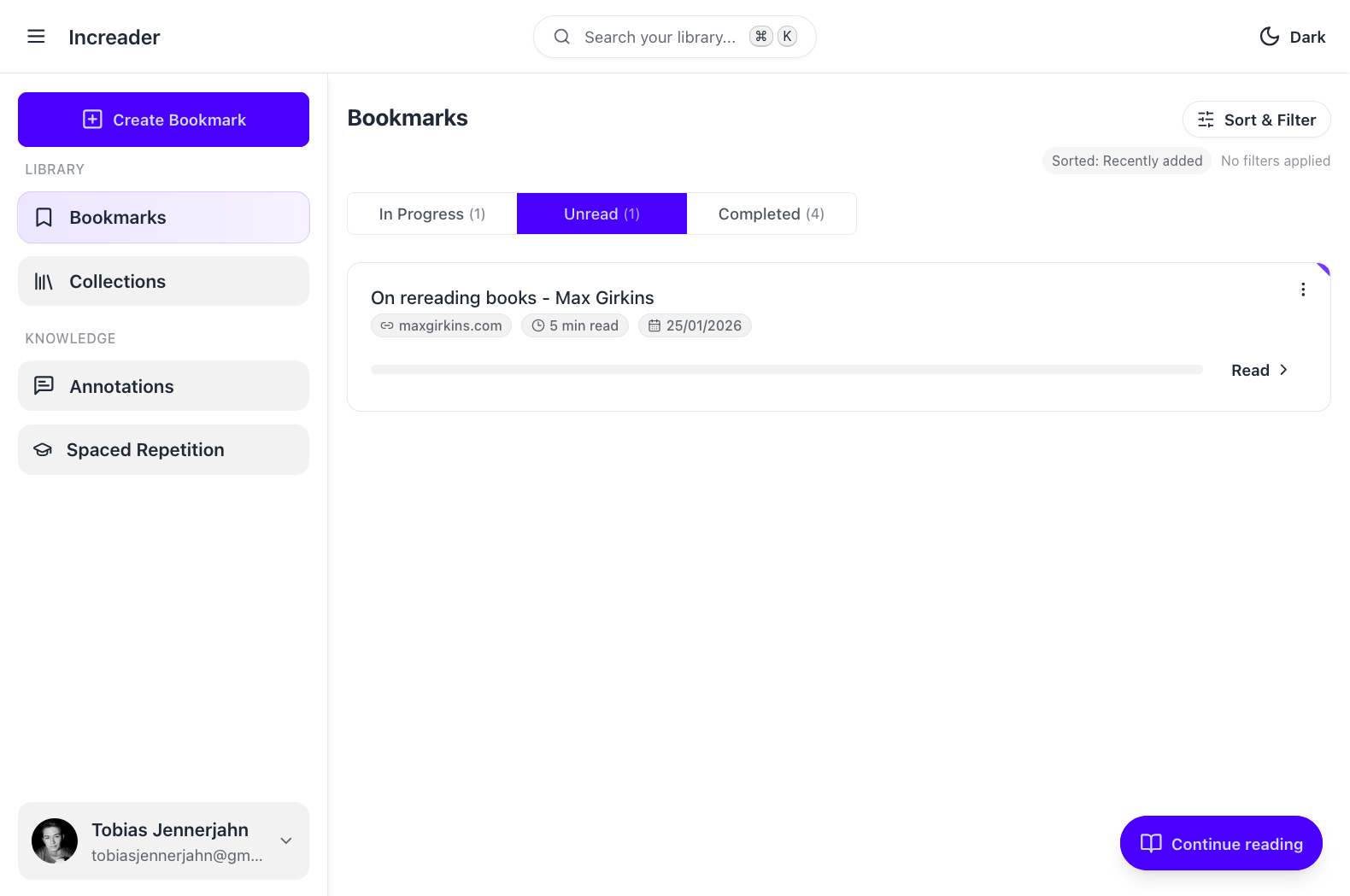
Importing a web article is the fastest way to start using Increader.
Import a single article
- Press the
Create Bookmarkbutton in the sidebar. - Choose the option to add content from a URL.
- Paste the article link into the field.
- Wait for the preview to load and confirm the title.
- Keep
Add to Queueenabled unless you have an explicit reason not to add it. - Press
Create Bookmarkto finish.
Note: Increader can only import content that is publicly accessible on the open web. Pages behind a login, paywall, or company VPN are currently not supported. We are working on a solution for this.
What happens after import
Once the import finishes, the article appears in your library. If you haven’t opted to add it to your reading queue, you can still do that from here.
If the page imported cleanly, your screen will look similar to this: